
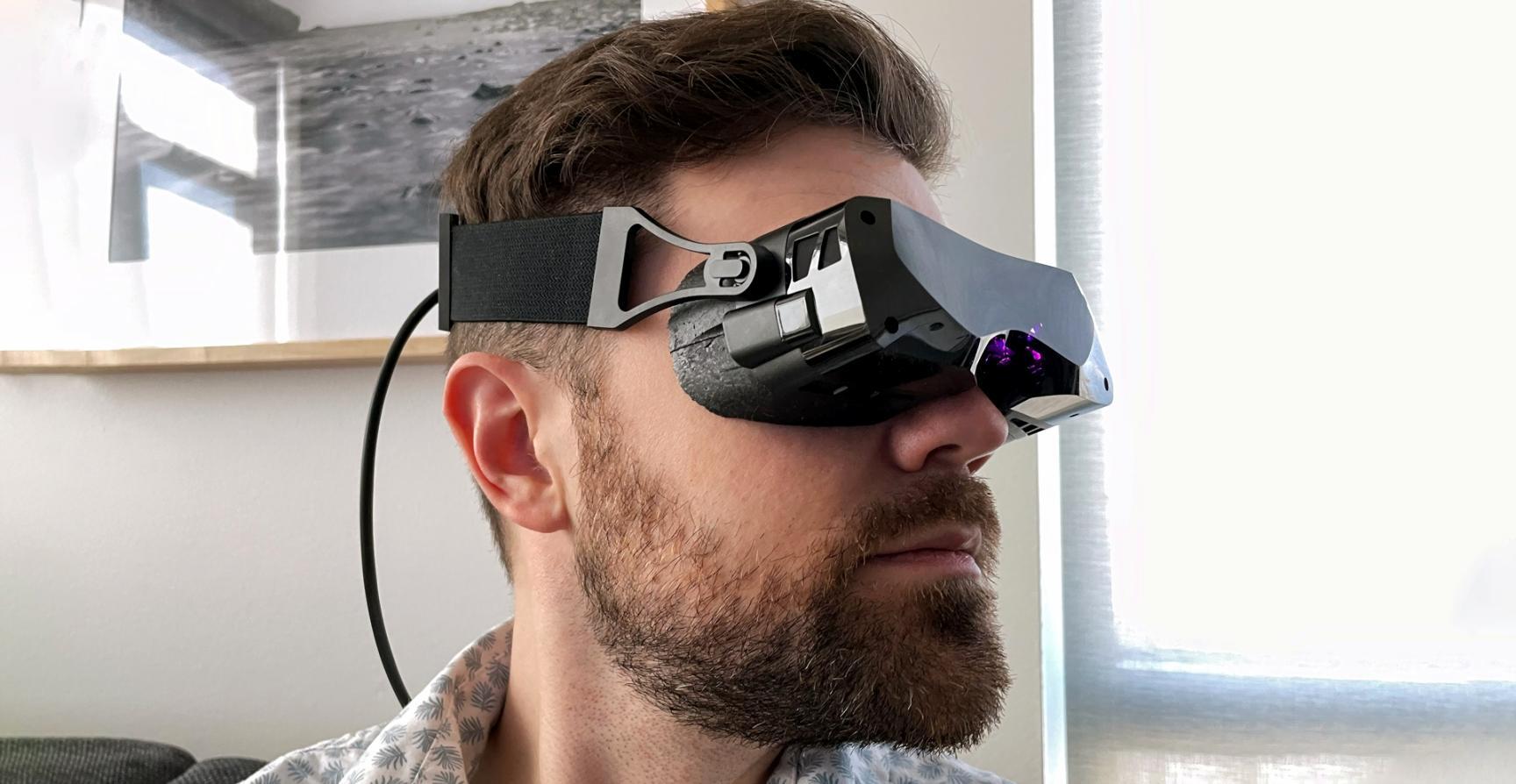
Most student VR projects fail at the same point: the moment the player tries to move. Locomotion is where comfort and immersion either hold together or fall apart completely, and the default instinct, copying flat-game movement controls, is almost always wrong.
The Most Common Starting Point
Before: A student builds continuous joystick locomotion at walking speed, ties the camera to the character root, and ships it for testing. Within two minutes, half the testers remove the headset. The visual-vestibular conflict, where your eyes say you are moving but your body does not feel it, triggers nausea reliably. The student assumes the problem is the hardware.
What Actually Changes the Outcome
After: The same project rebuilt with teleportation as the primary movement method, a short arc indicator with a 0.1-second blink transition, and a stationary cockpit reference object visible at the periphery. Testers complete the full session without discomfort. The playable area did not change. Only the movement contract between the game and the player changed.
The principle behind this fix is called vection reduction. When you remove the visual flow that implies acceleration, the brain stops expecting physical confirmation. Teleportation is not a lazy shortcut, it is a deliberate sensory agreement. Students who understand this stop treating locomotion as a technical checkbox and start treating it as a physiological decision.